Digital Protection

Digital Protection

Digital Protection for digital lives

For every moment online.

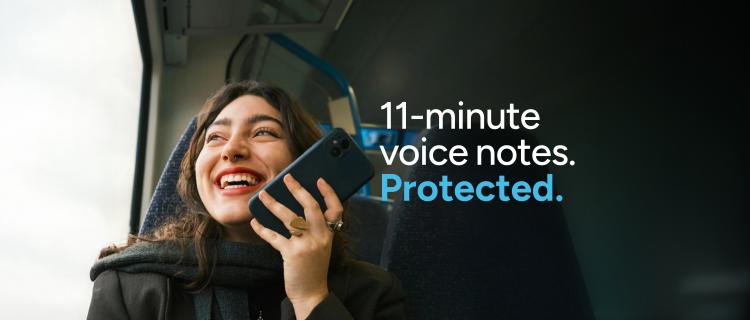
Woman recording a voice note.

This is why we created Digital Protection.

Digital Protection is a first-of-its-kind policy that combines device protection with digital protection in one simple solution. It protects the device people rely on most, along with their money, identity and personal data.

With real-time alerts, expert recovery support and financial protection, it helps prevent scams and cyber threats—and supports customers if the worst happens.

The need has never been greater. Across five European markets, our research found that 1 in 2 people have been targeted by a scam, and 60% of those targeted become victims. As AI-driven fraud becomes more sophisticated, Digital Protection combines advanced technology with expert human support, so customers never have to face it alone.

The result is peace of mind, so people can live their lives with the devices they depend on, knowing that if the worst happens we get them back to good.

Digital Protection works on three fronts

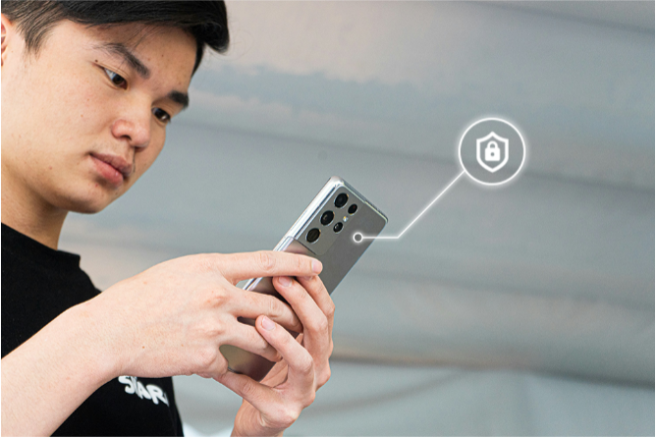
Man on phone

Prevention

Scam and malware detection, safe browsing and a secure connection, and monitoring of the dark web, social accounts, and unusual financial activity for early signs that something is wrong.

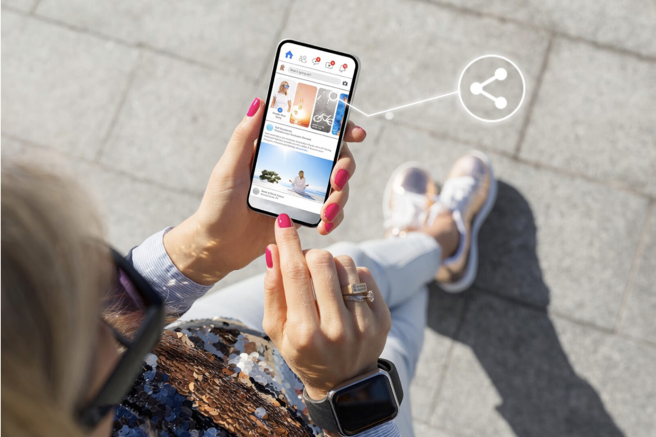
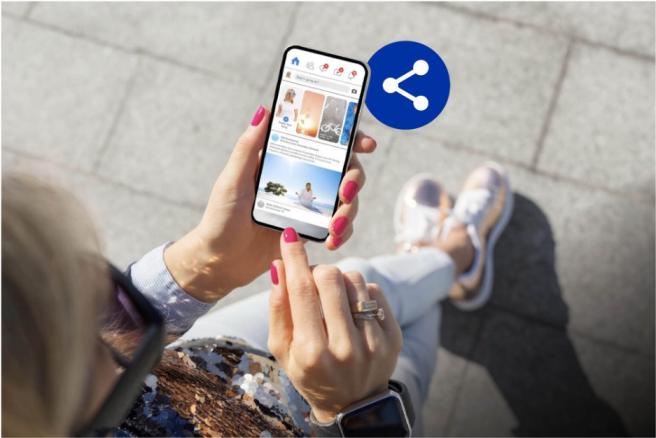
Social media on phone

Recovery and restoration

If an incident happens, a dedicated specialist helps secure accounts, recover access, and handle the difficult conversations with banks and platforms on the customer's behalf.

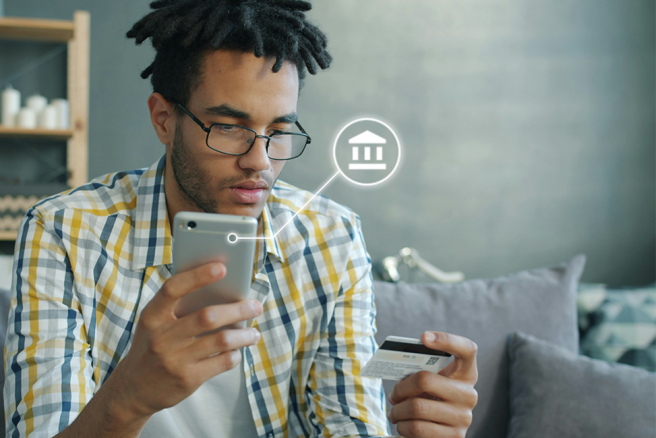
Man on phone with bank card

Financial support

Financial support where losses cannot be recovered through other routes or the original incident platforms.

Ready to offer your customers Digital Protection?

Get in touch Get in touch

Keep your finances safe from bank scams

4 min read

Keep your finances safe from bank scams

Girl with SquareTrade Device

It's much easier for a scammer to deceive you into giving away your money or personal information than for them to break through a bank's security. Because if you authorize a financial transfer (even if you're tricked), the law doesn't require banks to refund your money. Here's the good news: you can outsmart these scammers. 


The key is to avoid reacting impulsively. Take a moment to verify their claims before taking any action. In fact, hanging up or disconnecting from a potential scammer and contacting your bank's fraud department directly doesn’t cost you a thing.


One of the most successful imposter schemes involves crooks who pose as “helpful bank representatives” while they actually want to drain your bank accounts.

How bank scams work

Bank imposters may text, call, email, direct message on social media, or even mail letters to connect with their victims. They may use your responses to hack into your financial accounts and transfer funds into their own pockets—or they persuade you to transfer money into an account that they can drain.


Bank imposter communication can come through as:

  • Text messages: “XYZ Bank Fraud Alert: Did you attempt a purchase at XYZ  Store for 499.99 €? Reply YES or NO.” When you reply, the fake bank rep immediately calls and pretends to be from the fraud department. They explain that to protect your account, you need to verify specific details. If you share the information, you end up compromising yourself rather than helping yourself as you intended.
  • Phone calls: “I’m calling from the fraud department at XYZ Bank to inform you your account has been compromised. I will walk you through the steps to restore your security. First, state your name as it appears on the account, your address, ,,and the last four digits of your primary account. I will need your TAN as well. After that, I’ll text you a code that I’ll need you to repeat back for multi-factor authentication.” The scammer uses whatever information you divulge to hack into your account and wire money into their own accounts. Further, they may sell your information on the dark web or lock you out of your accounts.
  • Letters: You receive a legitimate-looking bank statement in the mailbox. The envelope sports a logo and return address, and the internal papers are printed on business letterhead. The communication may appear to be from a bank you’ve never heard of, or it might appear to be from one you use. Regardless, the sender included your correct name, address, and more on the documents. Because you don’t recognize the actual account the statement refers to, you call the number listed on the paperwork to clear things up. You’re transferred to a fake fraud department. The people in the “fraud department” extract your information and use it to drain your financial accounts.
  • Email related to be added

How to avoid bank scams

To stay on the defensive against fake bank scammers, look for red flags and avoid the pitfalls.

Don’t trust caller ID. Scammers spoof numbers that look legit. In other words, your caller ID may display a number and caller name that seems perfectly safe. You may even call the number and get a message from a person who appears to represent the bank.

  • Don’t give in to urgent strangers or panicky automatic alerts. Be wary of anyone that asks for your personal information, one-time passcodes, TANs, PINs, etc., or asks you to verify the same. Especially watch out for those—live or automated—that require such information ASAP.
  • Don’t send payments or transfer funds at the request of a bank. A legitimate financial institution and its representatives would never instruct you to do so. One common tactic: A bogus rep says you need to authorize a fund transfer to solve a problem with one of your accounts.
  • Do get in touch with your actual bank. To verify what may seem like a legitimate bank inquiry, start fresh. Instead of calling numbers they list or suggest, instead of clicking on links they provide, and instead of responding directly to texts and DMs they send, use the contact information on your actual statements, the back of your cards, and on the company’s website.
  • Do cut off scammers. When you suspect a scammer is feeling you out as a potential mark, freeze them out. Hang up and block their number. Block their texts and (after taking notes and/or screenshots) delete the corresponding messages. Flag questionable emails as spam and block the addresses. Toss bogus paper letters into your shredder.
  • Report the scam attempt. Keep records of the suspected fraud, including dates, times, messages and contact details. Contact your bank immediately and provide the details of the incident. If you believe your card or banking credentials may have been compromised, call 116 116 to block your card and follow your bank's instructions. You can also report the scam to the police and relevant consumer protection organisations such as Verbraucherzentrale

I was scammed. Will my bank refund me?

. Under German payment services law consumers are generally protected against unauthorised payment transactions. If money is taken from your account without your authorisation, your bank or payment provider is required to investigate the transaction and may be required to refund it. If you notice a suspicious transaction, contact your bank or payment provider immediately. However, if you authorize a transfer, even if you were tricked into doing so, you’re stuck in a loophole. Scammers know and exploit this because it’s far easier to trick people than it is to breach a bank’s defense systems. That's why bank impersonation scams can be so financially devastating.

If you do fall victim, report the fraud immediately and ask your bank—and any payment platforms involved, such as PayPal—to review your case. While reimbursement isn't guaranteed, it's still worth filing a report and requesting an investigation.

If you have a Digital Protection plan, you don’t have to figure it out alone.  Log in to your online Digital Protection portal and report fraud through our online fraud detection survey.
Related articles

Use this checklist to determine if you’re looking at a scam

6 min read

Use this checklist to determine if you’re looking at a scam

Keep your finances safe from bank scams

4 min read

Keep your finances safe from bank scams

Social media safety: Protecting your identity

4 min read

Social media safety: Protecting your identity

Welcome to Squaretrade UK

Welcome to 

SquareTrade

Thanks for choosing SquareTrade to help protect the things that matter to you!


Just picked up a Three insurance policy? Great! To get the most out of your insurance make sure you register it online. It takes just 2 minutes and ensures you'll be able to file a claim quickly and easily whenever you need to.

Simply use the button below to register with your email. If you provided an email when purchasing your device, please use the same one.

Girl with damaged Three Insurance Device


What’s included in your insurance policy?

When you log in to your account, you’ll be able to see exactly what’s covered - no guesswork needed.


If you ever need the full details, you can always refer to your Terms & Conditions - everything is outlined clearly for your peace of mind.  

Terms & Conditions
Damaged Three device

Questions? We're here to help

Need help with your insurance plan?

Find answers fast in our Help Center — from setup to support.

Support
Family with Three Device

No matter what happened, start your claim here.

  • Make sure to have your device details and IMEI ready before you begin (this is a 15-digit number unique to each device). To find your IMEI, dial *#06# on your phone, or go to Settings > General > About and scroll down to the IMEI
  • In the portal, describe the damage or issue with the device and get your personalized resolution options
  • Pay the excess fee, if applicable, and you'll receive a confirmation email containing all the relevant information about next steps
File a claim
Squaretrade File a claim

How does it work?

Mail-in repair: this is how it works

Video:

Mail-in repair: this is how it works


Device exchange: this is how it works

Video:

Device exchange: this is how it works
 

SquareTrade YouTube-channel

See more videos on our YouTube-channel 

Go to YouTube

Transforming Mobile Protection

Newsroom

Download SquareTrade’s Transforming Mobile Protection: Unlocking Digital Futures report now

Mobile protection


Transforming Mobile Protection: Unlocking Digital Futures

SquareTrade, an Allstate company, has partnered with The Future Laboratory, one of the world’s leading futures consultancies, to deliver a groundbreaking report on the trends reshaping electronic device protection. Drawing on The Future Laboratory’s proprietary trend database, analytical tools, and expert insights, this report examines key shifts in the mobile ecosystem over the next five years.

As users’ needs evolve, so must device protection. Today, personal devices have a dual value - encompassing both their physical hardware and the vast data they hold, linking users to digital worlds. With new technologies poised to transform these connections, the Transforming Mobile Protection report explores how this duality will continue to evolve and what it means for the future of device protection and the industry at large.

While no single solution can address the challenges of tomorrow, this report provides fresh insights into the drivers and trends set to reshape the mobile ecosystem, from the expanding roles of personal devices to the innovations industry players must prepare for.


Media Inquiries

For all media inquiries, please contact us at helloeurope@squaretrade.com.

get in touch get in touch

Terms

sqt
sqt

MWC

SquareTrade at MWC 2025: Join Us in Barcelona! 

Woman with smartphone


We are excited to announce that SquareTrade will be attending Mobile World Conference (MWC) in Barcelona this coming March.

Our Global Team will be on-site, ready to connect, showcase our latest news, and discuss how we can help your business thrive in an ever-evolving tech landscape.

Come see us at the MWC Broadcast Studio on Tuesday 4th at 9.50, where we’ll share insights and expertise on the future of device protection and customer experience.

If you’re attending, we’d love to meet with you! Whether you’re a partner, client, or industry peer, we welcome you to book a meeting with us during the event.

See you in Barcelona! 


Connect with us

LinkedIn LinkedIn

Three Insurance Claims Validation

Three
Three

Device Registration

Device Registration

Thank you for choosing our policy.

So that you can use your policy to the full extent, we ask that you register with us.

By submitting this form you accept the Terms and Conditions (click here to view the terms). This process is managed by SquareTrade Limited (registered in Malta, under company number C90216; registered address: Vision Exchange Building, Territorials Street, Zone 1, Central Business District, Birkirkara CBD1070, Malta).

Please fill out required fields in red

Receipt Information

Customer information

Receipt Registration

ELISA | ALLSTATE

Receipt Registration

Lorem

SQT Office Lifestyle

Registration

First of all, we would like to thank you for purchasing the Plus Mobile Guarantee at a Media Markt center.

If you have purchased your Plus Móvil Guarantee through the “Annual Protection” card in the cash register area of ​​the store, please register your data and the purchase data of your device that you will find on your purchase ticket (not invoice) at through this app. Make the most of your policy! By submitting this form, you agree to the terms and conditions (click here for terms and conditions).

This program is underwritten by SquareTrade Europe Limited (Company registered in Malta with number C90216. Registered office: Vision Exchange Building, Territorials Street, Zone 1, Central Business District, Birkirkara CBD1070, Malta)

Please fill out required fields in red

Receipt Information

Customer information

Device Data Registration

THREE | ALLSTATE

Device Data Registration

Lorem

SQT Office Lifestyle

Data register

First of all, we would like to thank you for purchasing the Plus Mobile Guarantee at a Media Markt center.

If you have purchased your Plus Móvil Guarantee through the “Annual Protection” card in the cash register area of ​​the store, please register your data and the purchase data of your device that you will find on your purchase ticket (not invoice) at through this app. Make the most of your policy! By submitting this form, you agree to the terms and conditions (click here for terms and conditions).

This program is underwritten by SquareTrade Europe Limited (Company registered in Malta with number C90216. Registered office: Vision Exchange Building, Territorials Street, Zone 1, Central Business District, Birkirkara CBD1070, Malta)

Please fill out required fields in red

Ticket Data

Format: DD/MM/AA

of your insured device.

Client Data

9-digit format without spaces.

Subscribe to